

 Custom Site URL
If your organization hosts Strike48 Studio on a custom domain, you can configure StrikeHub to connect to it instead of the default URL.
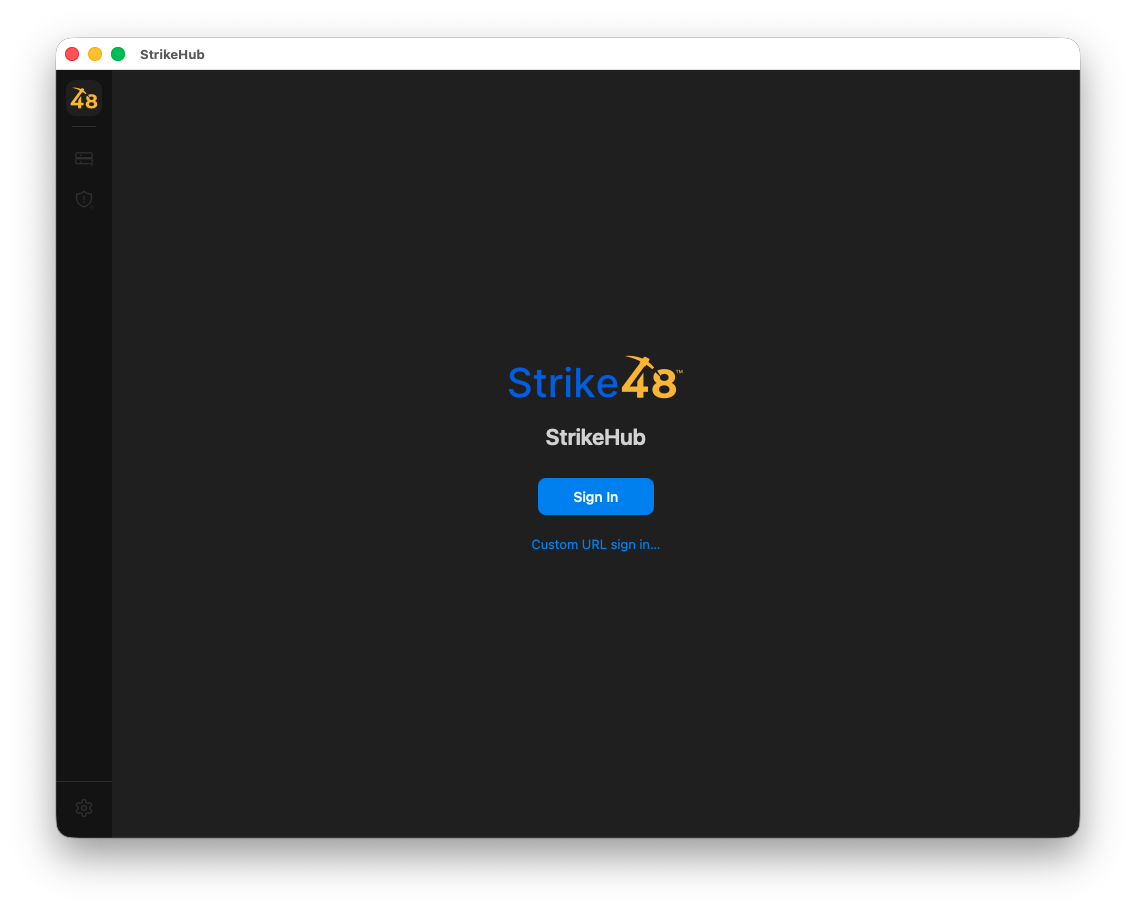
Step 1: Open Custom URL Sign In
On the StrikeHub sign-in screen, click Custom URL sign in... below the Sign In button.
Step 2: Enter Your Studio URL
Enter your organization's Studio URL in the Studio URL field, then click Sign In.
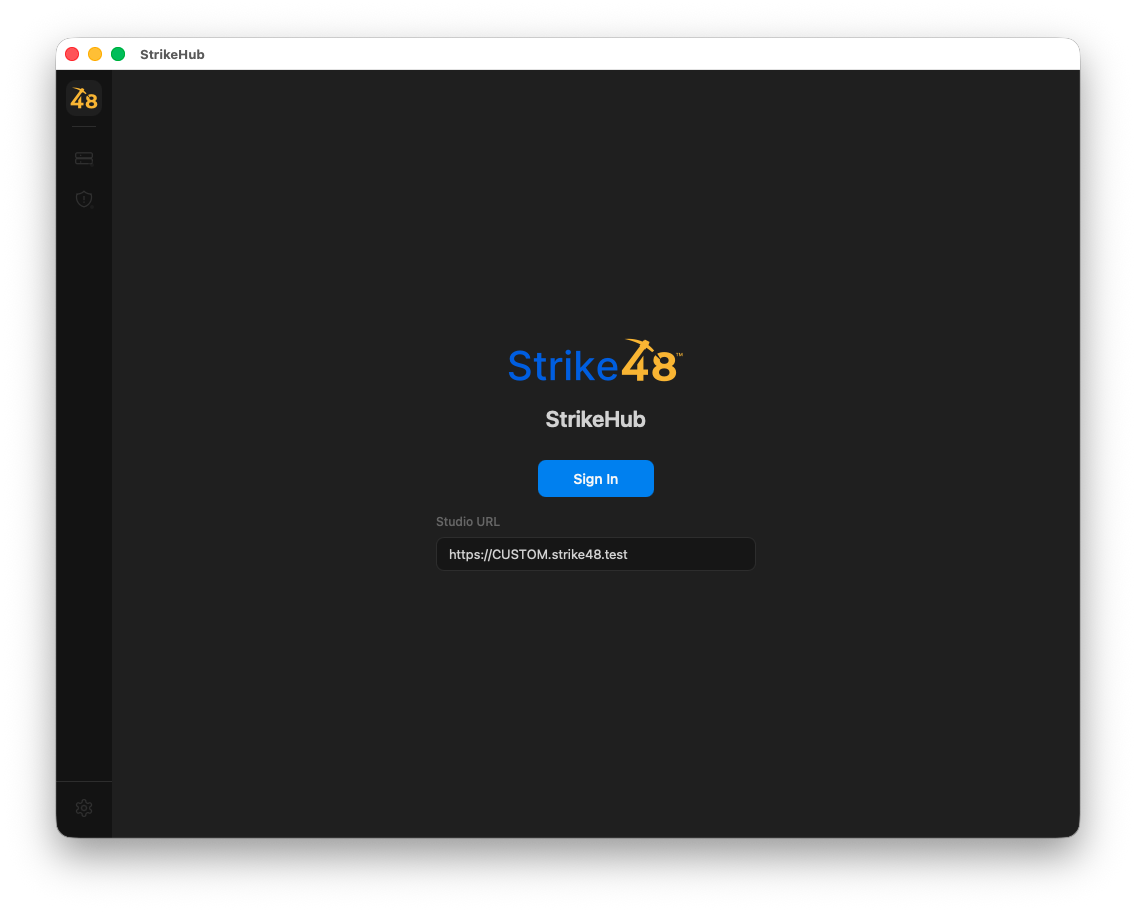
The URL should be the full address of your Strike48 Studio instance, for example https://CUSTOM.strike48.com.