

 Timeline
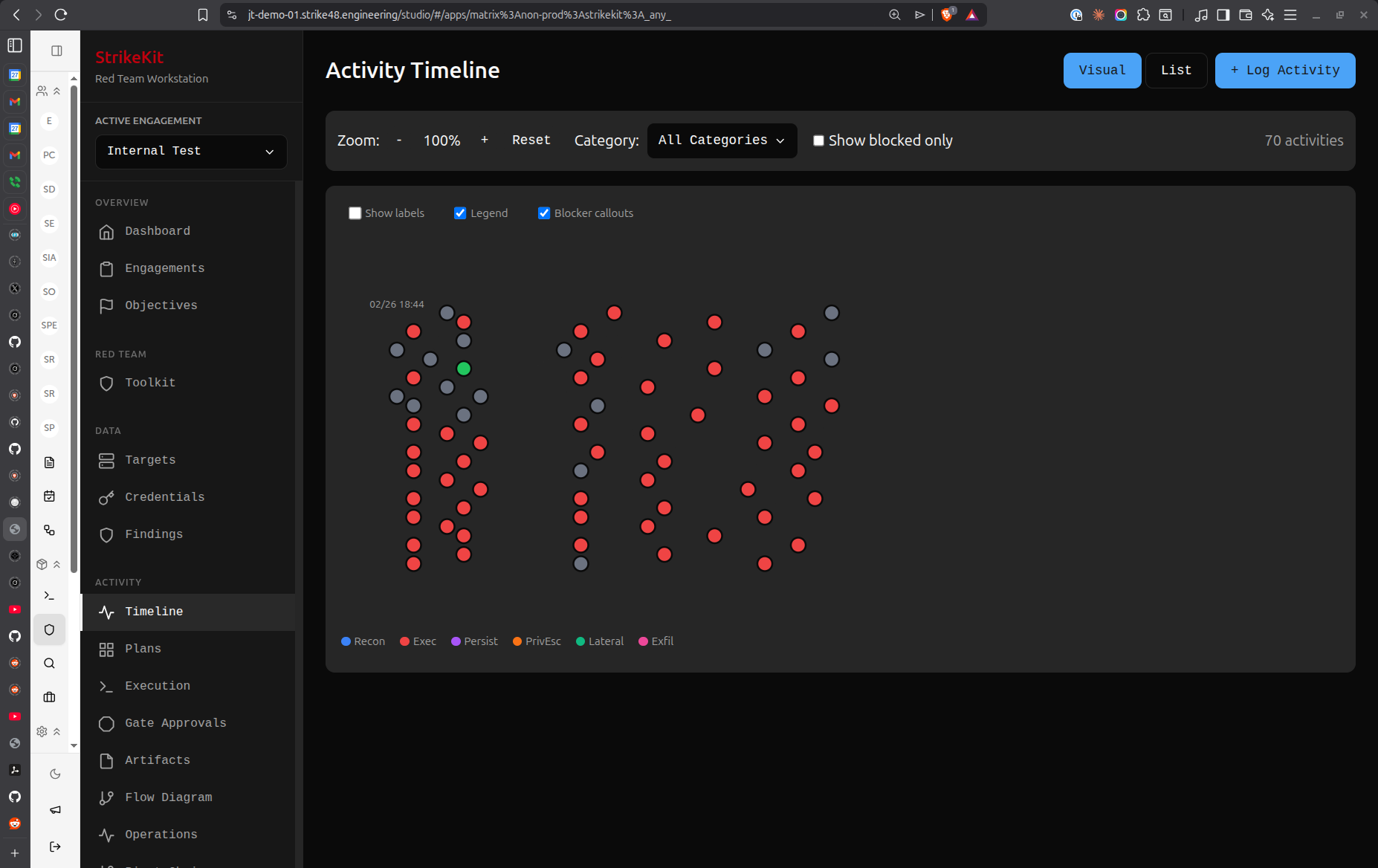 Timeline view showing chronological event history
Overview
The Timeline view displays engagement events in chronological order, providing a historical record of significant activities.
Timeline vs Kill Chain
Timeline: When things happened
- Chronological ordering
- Major events and milestones
- Strategic view
- Event-focused
Kill Chain: What attack phase
- Groups by attack phase
- Tactical progression
- Activity-focused
- Methodology view
Use both together for complete picture.
Timeline Events
Event Types
Milestone Events:
- Engagement start/end
- Phase transitions
- Major breakthroughs
- Client interactions
Compromise Events:
- Initial access achieved
- Privilege escalation
- Lateral movement
- Persistence established
Discovery Events:
- Critical findings
- New targets discovered
- Credentials obtained
- Data access achieved
Operational Events:
- Major reconnaissance activities
- Exploitation attempts
- Post-exploitation operations
- Evidence collection
Creating Timeline Entries
Manual Entry
- Navigate to Tracking → Timeline
- Click Add Event
- Fill in event details:
- Title: Brief description
- Timestamp: When it occurred
- Type: Event category
- Description: Detailed information
- Related Items: Link to targets, findings, etc.
Auto-Generated Events
Timeline automatically captures:
- Engagement status changes
- Objective achievements
- Major C2 operations
- Finding creations
- Target compromises
Timeline Features
Filtering
Filter events by:
- Type: Show only specific event types
- Date range: Focus on specific time period
- Target: Events related to specific target
- Actor: Events by specific team member
Search
Search timeline for:
- Keywords in descriptions
- Target names
- Finding references
- Credential usage
Export
Export timeline as:
- PDF for reports
- CSV for analysis
- Markdown for documentation
Timeline in Reports
Engagement Timeline Section
Reports include timeline showing:
- Key milestones
- Compromise progression
- Major findings
- Client interactions
Visual Representation
Timeline displayed as:
- Vertical timeline with events
- Icons for event types
- Color-coding by severity
- Links to detailed information
Best Practices
- Document major events: Record significant activities
- Accurate timestamps: Ensure times are correct
- Clear descriptions: Write for future reference
- Link related items: Connect to targets and findings
- Regular updates: Add events as they happen
- Review for reports: Ensure completeness before report generation
Common Patterns
External Pentest Timeline
Day 1: Reconnaissance begins
Day 2: Discovered 15 external hosts
Day 3: Identified SQL injection vulnerability
Day 4: Achieved initial access via SQLi
Day 5: Escalated privileges to admin
Day 6: Established persistence
Day 7: Data exfiltration proof-of-concept
Internal Assessment Timeline
Week 1 Day 1: Internal reconnaissance
Week 1 Day 3: Discovered domain controllers
Week 1 Day 5: Obtained user credentials
Week 2 Day 1: Lateral movement to file server
Week 2 Day 3: Privilege escalation to domain admin
Week 2 Day 5: Full domain compromise achieved
Tips
- Real-time updates: Add events as they happen
- Milestone focus: Don't record every small action
- Context matters: Include enough detail for understanding
- Time accuracy: Precise timestamps for forensic accuracy
- Link everything: Connect events to related items
Related Features
- Kill Chain - Attack phase view
- Audit Log - Detailed action log
- Activities - Individual operations
- Reports - Timeline in deliverables